
Office workstations
Discuss the computers, connected equipment and recurring issues affecting your workstations.
- Workstation inventory and reported symptoms
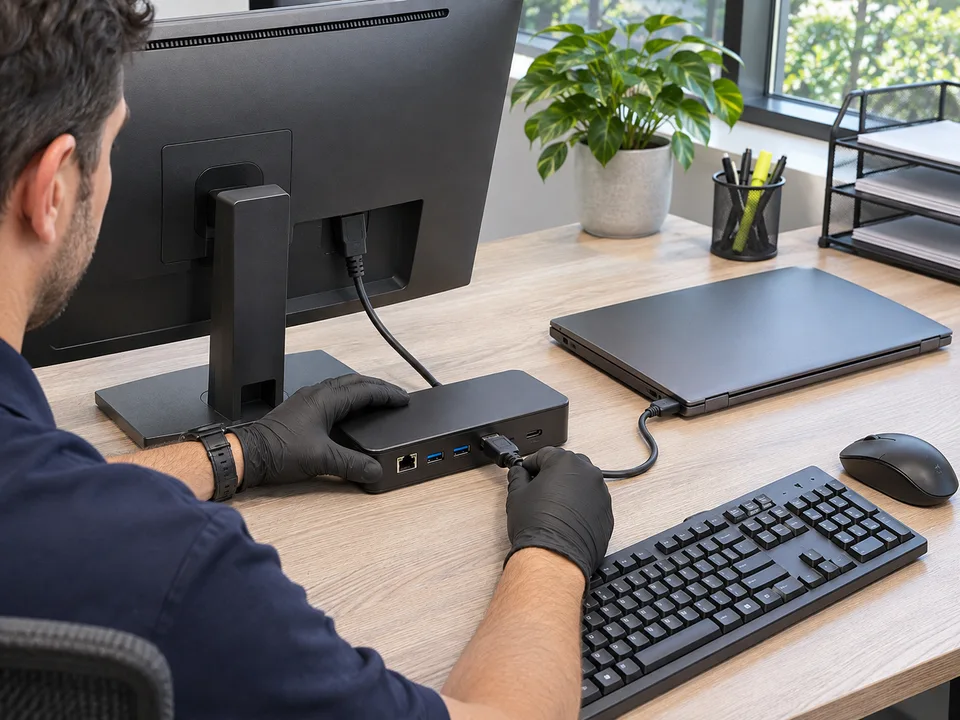
- Relevant docks, displays and device connections
- Agreed checks and items for further review
IT SUPPORT FOR OFFICES & SCHOOLS
A workstation issue, shared laptops or classroom equipment that needs attention: bring the devices and priorities into one conversation. Define practical support around how the space is used.
01 / TWO EVERYDAY ENVIRONMENTS
Office workstations and shared devices have different routines. We define the equipment and checks around the tasks, access and schedule involved.
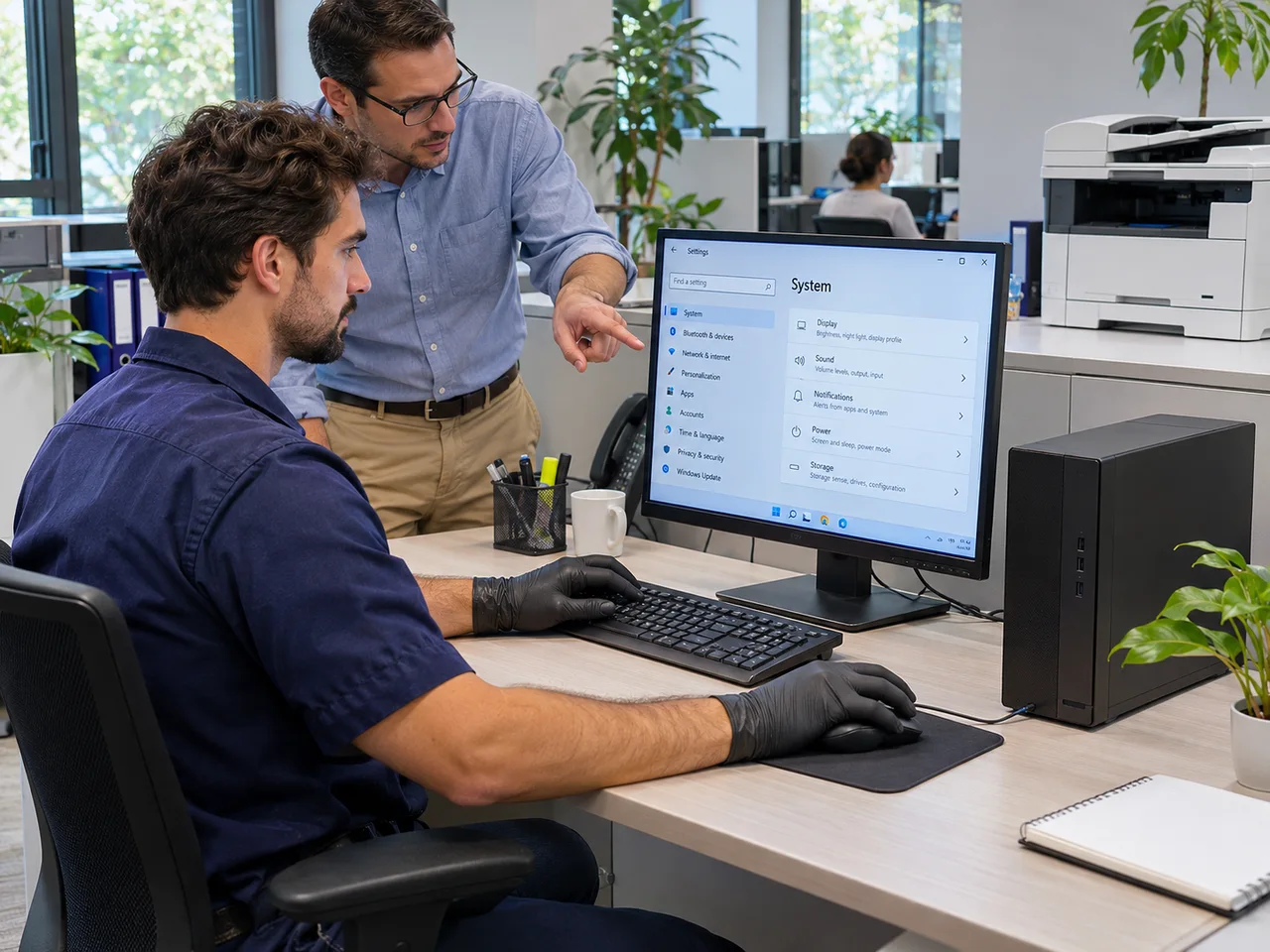
Discuss the computers, connected equipment and recurring issues affecting your workstations.
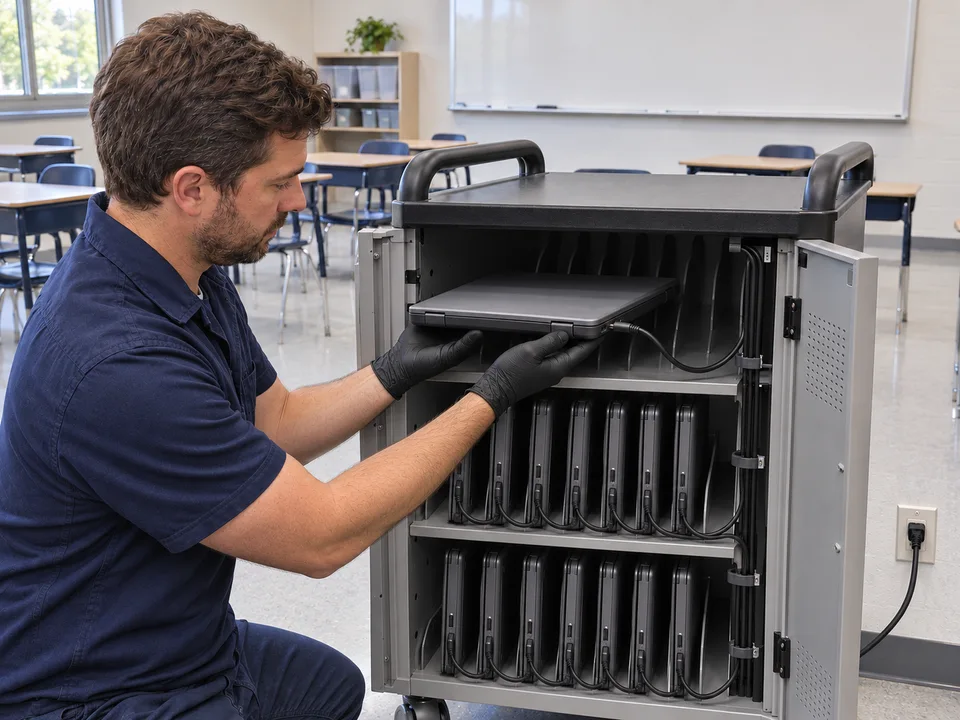
Plan a review of laptops and other shared classroom equipment around availability and authorized access.
02 / DEFINE THE SUPPORT BEFORE THE WORK
Start with the equipment and the work it supports. Then agree on what to review and when the devices can be made available.
List the workstations or shared devices, their locations and the issues reported. Identify the person authorized to coordinate access and discuss the work.
Discuss which issues need attention first and when equipment is available. Define access permissions and any restrictions on handling work or school data.
Define the checks, the record of findings and any follow-up to include. Recurring support frequency and specific diagnostic, repair or replacement work are agreed separately.
The proposed support depends on equipment, access and the needs discussed. Share device counts and issues without including passwords, student information or other sensitive records.
03 / BEFORE PLANNING SUPPORT
Share the device types, approximate counts, locations and reported issues. We use that information to discuss priorities and define which equipment and checks to include.
Tell us when devices and spaces can be made available. The access windows and work sequence need to be discussed and agreed as part of the scope.
If you need recurring support, we can discuss the equipment, tasks, review frequency and follow-up to propose. The arrangement must be agreed for your specific needs.
Support starts with the agreed checks and review. If a device needs further diagnosis, repair or replacement, that work and any parts are discussed and agreed separately.
Identify an authorized coordinator and share any access or data-handling restrictions before agreeing on the work. Do not send passwords, student records or sensitive files through the inquiry.
04 / START WITH YOUR EQUIPMENT
Tell us whether you are planning support for an office or school, which devices are involved and the issues you want to review.
Explore services that can complement what you need.