
CCTV & SURVEILLANCE SYSTEMS

Plan what you need to see. And how you will see it.

An entrance, a stockroom or a shared work area: start with the places that matter. Connect camera placement with cabling, recording and the people who need access.

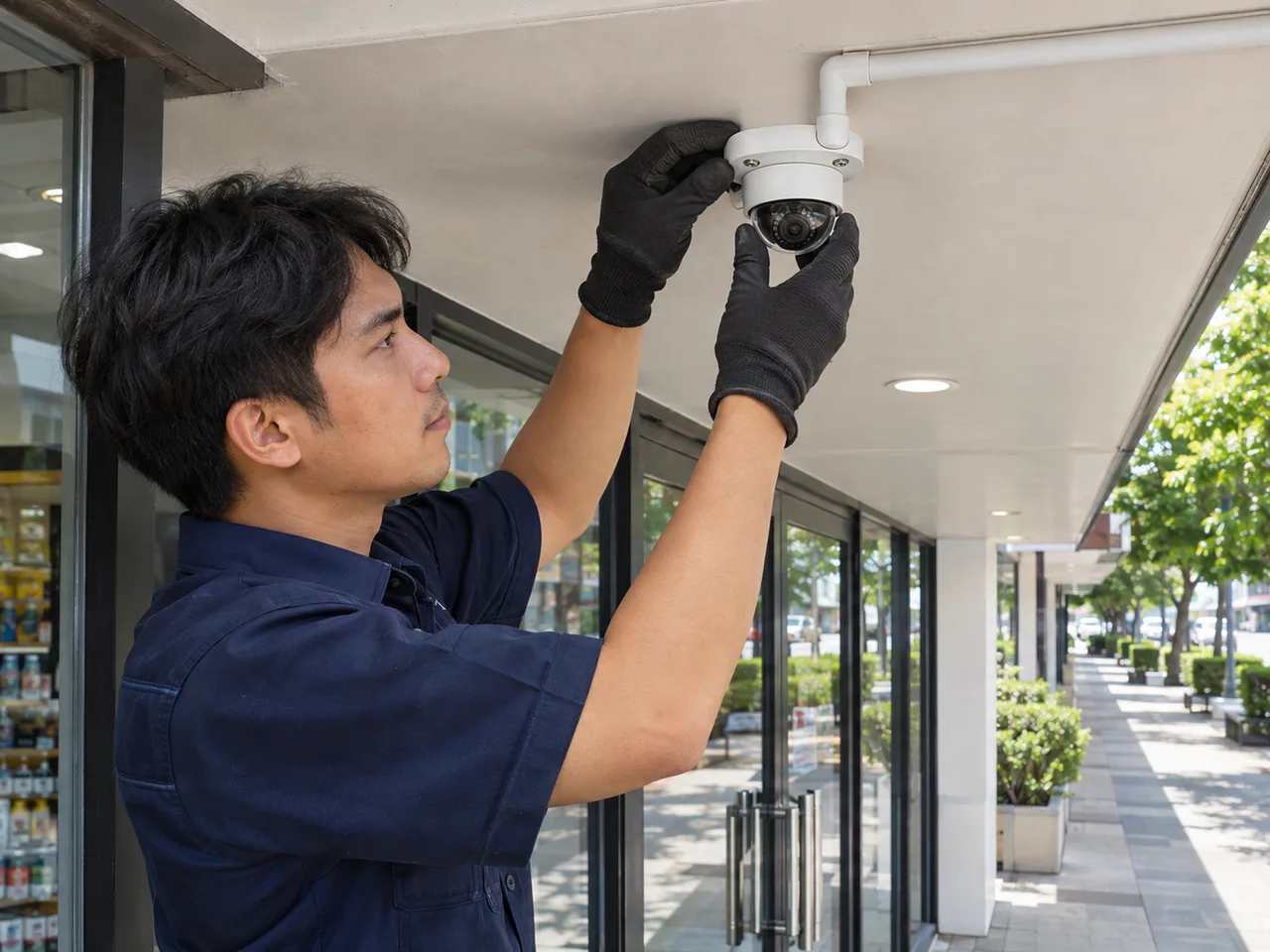
Technician wearing protective gloves mounting a dome camera under a commercial building eave, with its cable routed through the mounting base.

01 / FROM THE CAMERA TO THE SCREEN

A clear view starts with a considered setup.

Define where the cameras belong and how their images will be viewed or recorded. We agree on compatible equipment and configuration before the installation.

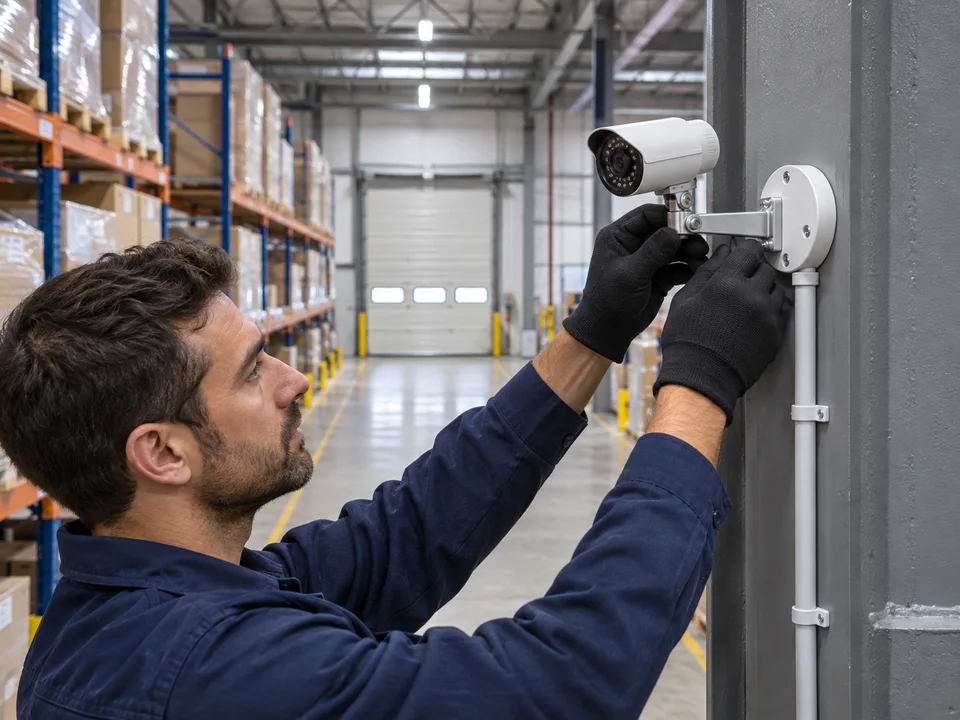
Technician with protective gloves adjusting a bullet surveillance camera in a warehouse aisle.

Camera placement & installation

Connect the areas you want to observe with practical mounting locations and planned cable routes.

  • Areas of interest, viewing angles and lighting
  • Mounting positions and cable access
  • Camera placement and image checks to agree
Discuss camera placement
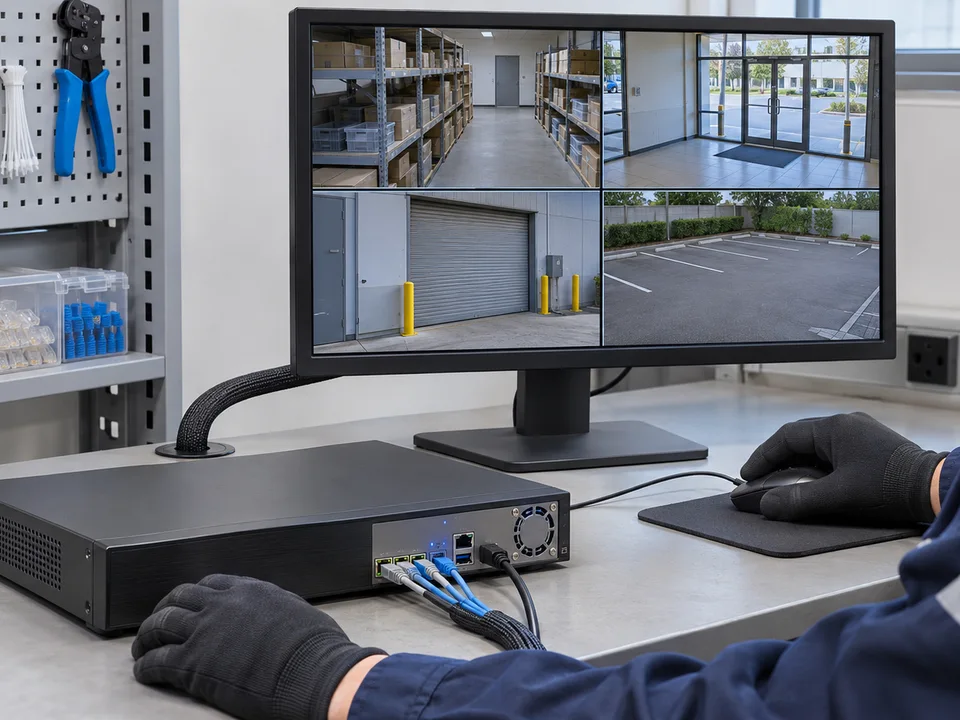
Technician wearing protective gloves configuring a network video recorder beside a monitor showing warehouse camera views without visible faces.

Recording & viewing access

Define how compatible cameras connect to recording equipment and how authorized people view the images.

  • Recording equipment and storage requirements
  • Live viewing and playback needs
  • User access and privacy settings to define
Discuss recording access

02 / THREE DECISIONS TO MAKE TOGETHER

Coverage. Connections. Access.

Camera count alone does not define a surveillance system. These details help establish the equipment and installation scope.

  • What needs to be visible?

    Identify entrances, work areas or storage locations, then consider camera angles, obstructions and lighting. Agree on the intended view at each location.

  • How will it connect?

    Review cable routes, power, network access and the recorder location. Existing equipment and site conditions determine the connections and materials to propose.

  • Who needs access?

    Define the people who need live viewing or playback, the devices they will use and the recording preferences. Agree on user permissions and privacy settings for the setup.

Share any existing cameras, recorder details and site restrictions when requesting a quote. Compatibility and the agreed configuration determine the final scope.

03 / BEFORE THE INSTALLATION

Your CCTV questions, considered.

How many cameras will I need?

Start with the areas you want to observe. Their layout, lighting, obstructions and available mounting positions help determine a proposed number and placement.

Can you work with existing cameras or a recorder?

We can review the existing equipment and connections. Reuse depends on compatibility, condition and access to the configuration; include model details when starting the conversation.

Can I view the cameras on another device?

Tell us where and on which devices you need access. Viewing options depend on the equipment, network and permissions, and are defined as part of the agreed configuration.

How long can recordings be kept?

Recording duration depends on storage, the number of cameras and the selected recording settings. Share your requirements so the proposed equipment and configuration can be considered together.

What is checked after installation?

The quote defines the checks to include, such as the agreed camera views, recorder connections and authorized access. We also agree on the setup information and handover details needed.

04 / START WITH THE SPACE

Which areas do you need to see?

Tell us about the locations, any existing equipment and how you want to view the images. We can discuss the next steps from there.