
NETWORK SYSTEMS INTEGRATION

Give your connected equipment a shared plan.

Adding a device starts with understanding what is already connected. Review your network equipment, define compatible connections and agree on the configuration your setup needs.

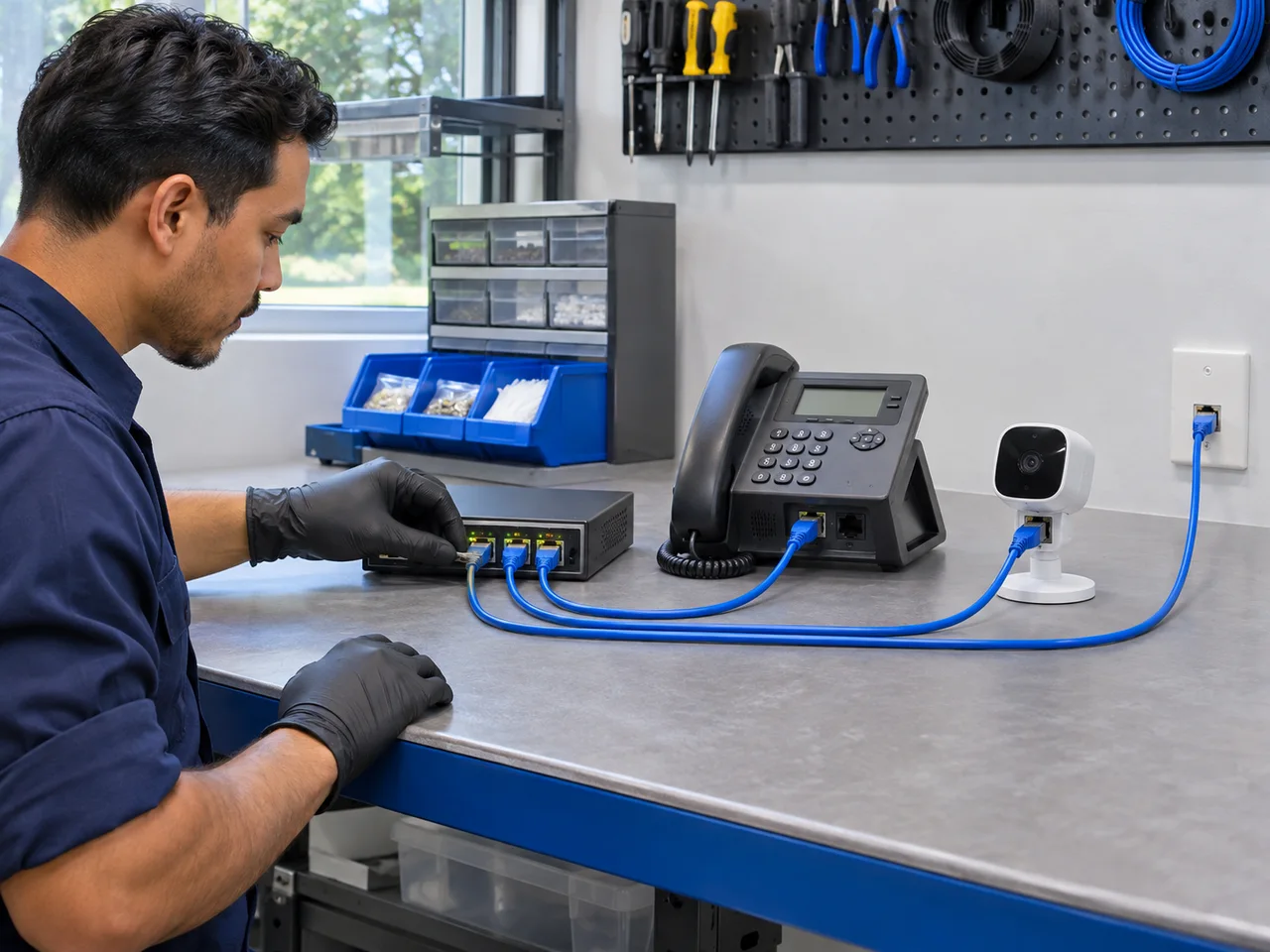
Technician wearing protective gloves checking a network switch connected to an IP phone and an IP camera on a workbench.

01 / CONNECT WITH CONTEXT

Start with your network. Then the devices it needs.

We define the connections around the equipment involved. Existing network hardware and connected devices are reviewed together before changes are proposed.

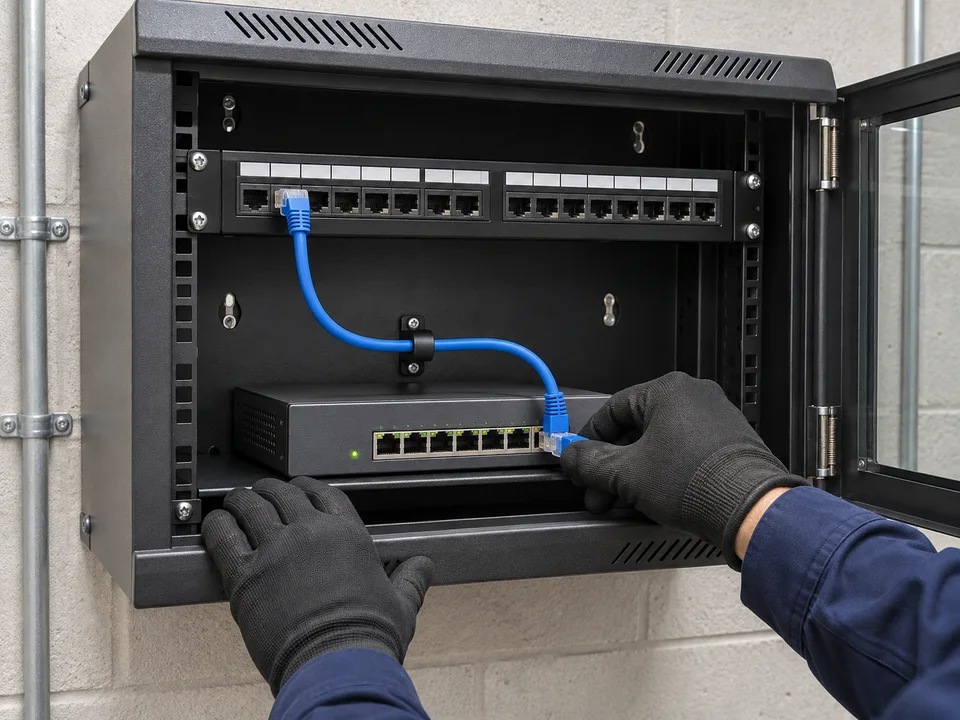
Technician with protective gloves connecting a patch cord to network equipment in a rack.

Existing equipment & network

Understand how your network equipment connects before adding or changing devices.

  • Inventory of available equipment and connections
  • Port, cabling and configuration requirements
  • Compatible connections and agreed setup changes
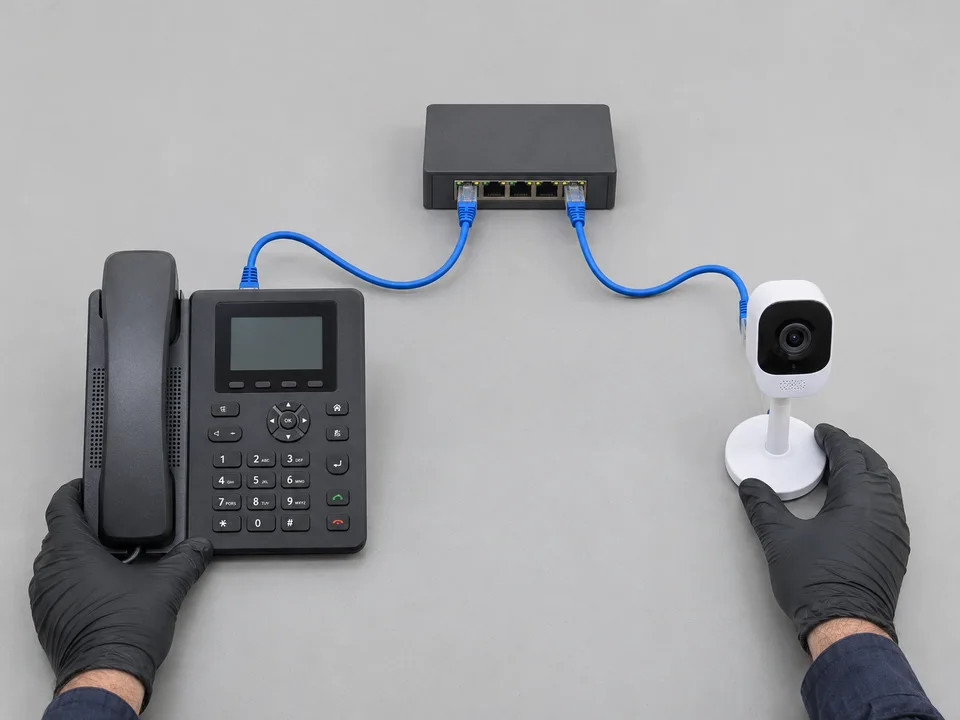
Discuss existing equipment
Protective-gloved hands checking an IP phone and IP camera connected by visible cables to a tabletop network switch.

Connected network devices

Plan how compatible devices, such as an IP phone or camera, will connect to the network.

  • Device models and intended connections
  • Network and power requirements to review
  • Device connectivity and agreed function checks
Discuss connected devices

02 / THREE STEPS BEFORE IT FITS TOGETHER

Know the equipment. Check the fit. Connect it.

A clear inventory and compatibility review help define the work before configuration changes begin.

  1. Inventory the setup

    List equipment models, existing connections and the devices you want to add. Identify available configuration access and any constraints on making changes.

  2. Review compatibility

    Consider connection types, available ports, power needs and configuration requirements. Agree on what can be reused and which changes or components to propose.

  3. Connect and check

    Make the agreed connections and configuration changes, then check device connectivity and the functions included in the scope. Record relevant setup details and outstanding items.

The final scope depends on equipment compatibility, available access and the existing installation. Share device model details and the intended outcome when requesting a quote.

03 / BEFORE YOU CONNECT

A few things to establish first.

What does network systems integration cover?

This service concerns connections between compatible network equipment and connected devices. We define the equipment, configuration changes and checks for your setup in the quote.

Can existing equipment be reused?

We can review its model, condition, connections and available configuration access. Compatibility with the proposed setup determines whether it can be included.

Can an IP phone or camera be connected?

These are examples of devices we can review. Connection and configuration depend on the device model, network, power requirements and the intended use; inclusion is agreed for the specific project.

Will changes affect the current network?

Tell us which connections need to remain available and any restrictions on changes. We discuss the work sequence and the potential impact on the existing setup before agreeing on the scope.

What should I provide for a quote?

Share equipment models, a simple description of the current connections and what you want to add or change. Photos or a connection diagram may help later; do not send passwords or other sensitive access details.

04 / YOUR NEXT CONNECTION

What needs to work together?

Tell us what is already connected and what you want to add. We can start with the equipment and define the next step.